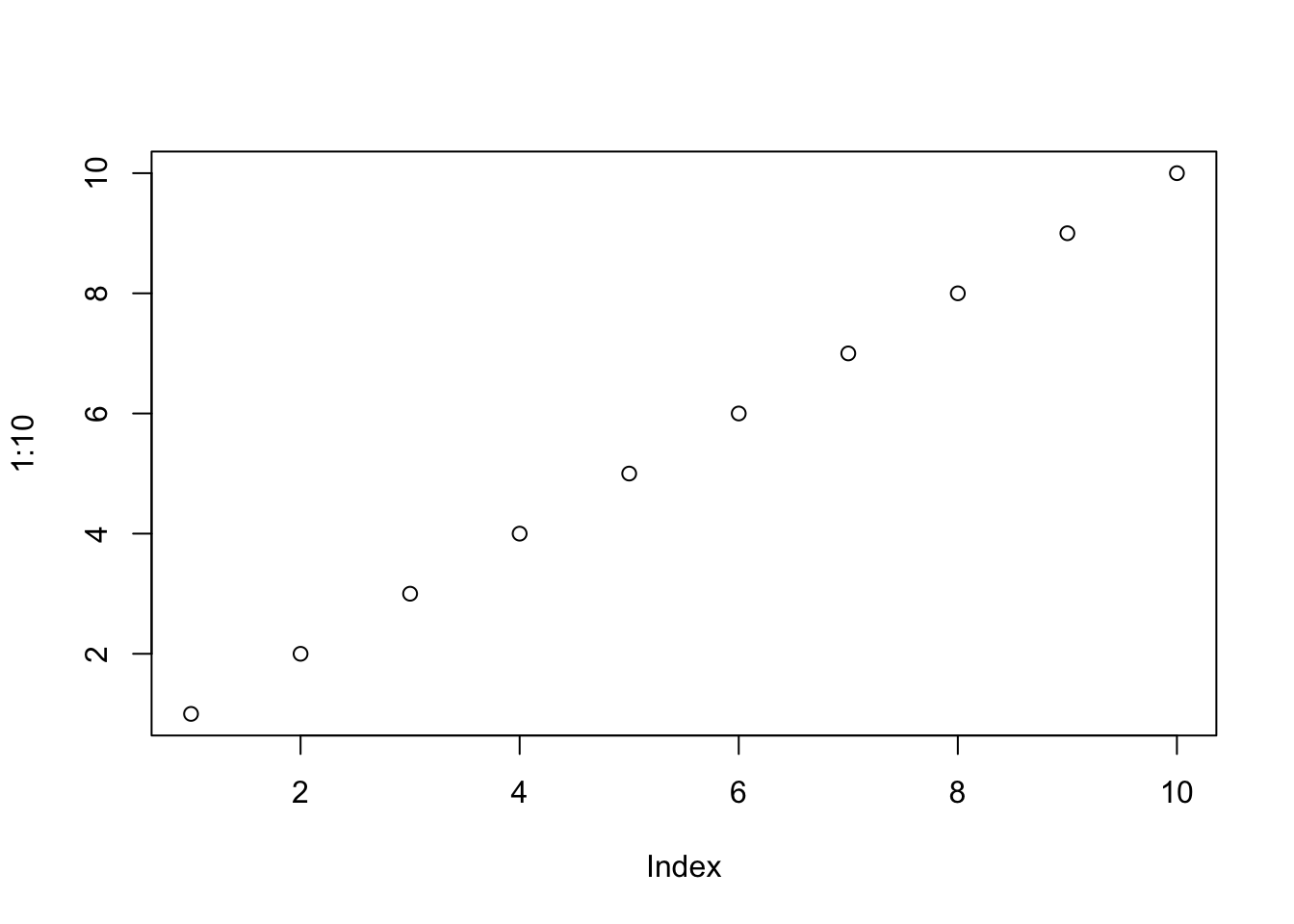
```{r}
#| label: fig-scatter
#| fig-cap: "A scatter plot."
#| classes: wrap-right
#| out-width: "30%"
plot(1:10)
```
The extension asks for Quarto 1.9.36 or later. Each change to it is tested with Quarto 1.9.36 and with Quarto’s current release. In the folder of your project, run:
quarto add jmgirard/wrappedThis command puts the extension under _extensions/. Then add the filter to the document’s YAML header:
filters:
- wrappedAdd the class .wrap-right or .wrap-left to a figure. The class names the side that the figure goes to. The paragraphs after the figure flow beside it. Each form below shows its source, then the result.
{#fig-ratings .wrap-right width="40%"}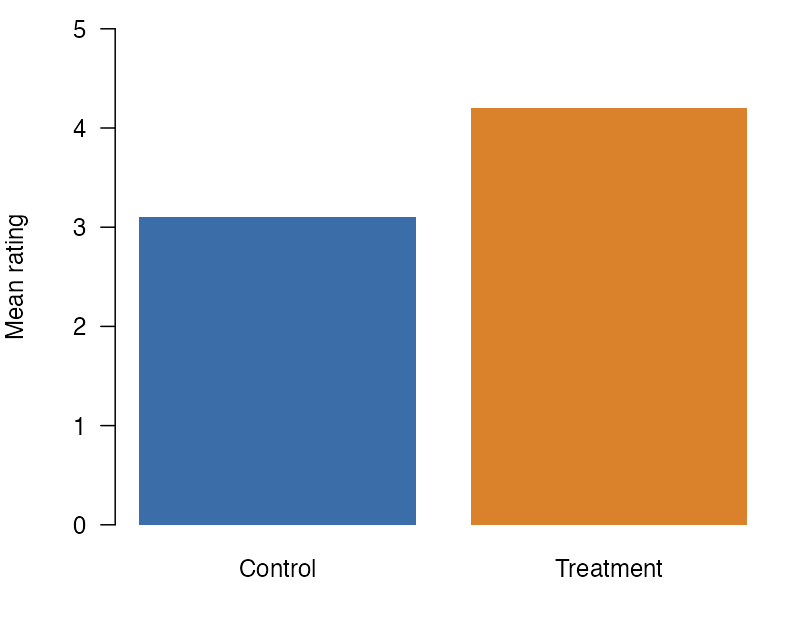
The image form is the shortest. The text in the square brackets is the caption, and the #fig- id gives the figure its number, so this text can point to Figure 1.
The paragraphs after the figure flow beside it until the text passes the bottom of the figure. Then they run the full width of the column.
::: {#fig-groups .wrap-left width="35%"}

Ratings by group.
:::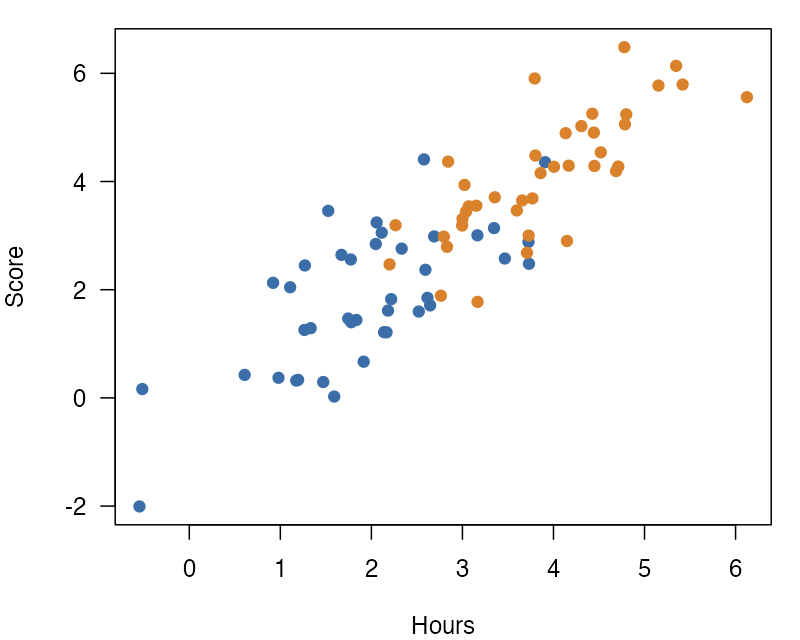
The div form puts the caption in the last paragraph of the div, which keeps a long caption easy to read in the source. The class .wrap-left puts the figure on the left, and this text flows on its right.
Figure 2 has a width of 35%, so the text beside it has a little more room than beside a figure at the default 40%.
{.wrap-right width="20%" fig-alt="Lab logo"}
An image with no caption wraps too. It gets no figure number. The fig-alt attribute gives it alt text.
The same rules about width and gap apply to it as to a captioned figure.
An image that is the only content of a link, with the link alone in its paragraph, wraps too, and it keeps its link. Put the wrap class on the image, not on the link:
[{.wrap-right width="20%" fig-alt="Lab logo"}](https://example.com)Give the cell a fig- label and a fig-cap, so that Quarto makes a figure. Put the class in #| classes:, and set the width with #| out-width:. To set the gap, add #| wrap-gap:, as in #| wrap-gap: 2em. A figure cell does not read #| width:, and the render prints a warning when a wrapped figure cell sets it. The extension’s tests use knitr cells for these options.
```{r}
#| label: fig-scatter
#| fig-cap: "A scatter plot."
#| classes: wrap-right
#| out-width: "30%"
plot(1:10)
```The plot from the cell above floats to the right, and this paragraph flows beside it. The cell’s code stays above the figure, at the full width of the column.
Figure 3 is 30% of the text column wide, as #| out-width: asks.
The examples show each of these forms rendered in HTML, in PDF through LaTeX, in PDF through Typst, and in Word.
A table float wraps in HTML, in PDF through LaTeX, in PDF through Typst, and in Word. A table float is a table with a #tbl- label. A table float that holds raw LaTeX, as R packages such as gt write it, keeps its normal layout in PDF through LaTeX, and the render prints one warning for each table. Put the class and the width on a #tbl- div:
::: {#tbl-means .wrap-right width="45%"}

| Condition | Mean | SD  |
|-----------|------|-----|
| A         | 3.1  | 0.4 |
| B         | 4.2  | 0.6 |

: Mean ratings by condition.

:::| Condition | Mean | SD |
|---|---|---|
| A | 3.1 | 0.4 |
| B | 4.2 | 0.6 |
Table 1 floats to the right, and this paragraph flows beside it. The caption and the table share the box, at 45% of the text column.
The same rules about width, gap, and where wrapping stops apply to a table as to a figure.
The class can also go in the attribute block at the end of the caption:
: Mean ratings by condition. {#tbl-means .wrap-right width="45%"}. The block can also hold width and wrap-gap.#tbl- div, as in : Mean ratings by condition. {.wrap-right}. Put a width or wrap-gap for this form on the div.tbl- label: the class goes in #| classes:, or in a block at the end of #| tbl-cap:. Set the width with #| width: and the gap with #| wrap-gap:, as in #| width: 45%. A cell with neither takes the document defaults. The extension’s tests use knitr cells for these options. In Word, a table from gt or flextable wraps at the full width of its box (see Word). In PDF through LaTeX, a table from gt, kableExtra, or tinytable keeps its normal layout (see PDF through LaTeX).