wrapped
Wrap body text around figures in Quarto
wrapped is a Quarto filter extension. It lets body text flow beside a figure, to the left or right of it. The figure keeps its number, its caption, and its @fig- links.
This box shows the layout. The paragraph that you are reading comes before the figure, so it runs the full width of the box.
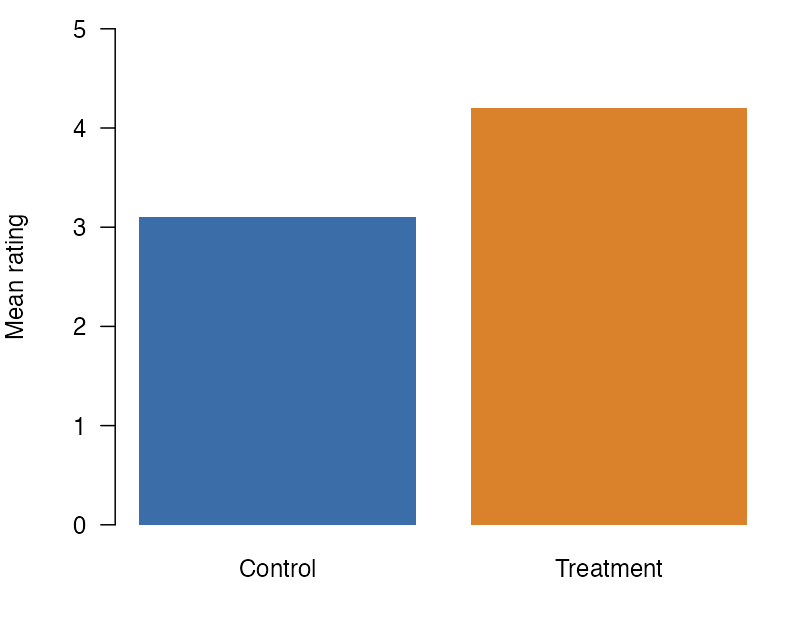
This paragraph sits beside Figure 1. The figure has the class .wrap-right, so it goes to the right side of the text column, and the paragraphs after it flow on its left.
One markdown syntax gives this layout in HTML, in PDF through LaTeX, in PDF through Typst, and in Word. The figure keeps its number and its caption, and the text can point to it with a @fig- link, as the paragraph before this one does. Its width is 40% of the text column, which is the default. Each format draws the layout with its own tools: CSS in HTML, wrapfig in LaTeX, wrap-it in Typst, and a frame in Word. The text is not split into two columns. It flows beside the figure, and the last lines of this paragraph run under the figure, at the full width of the text. Wrapping stops at the next block that is not a paragraph, such as a heading or a list. In a window 576px wide or narrower, the figure stops floating and takes the full width of the text column.
Install
The extension asks for Quarto 1.9.36 or later. Each change to it is tested with Quarto 1.9.36 and with Quarto’s current release. In the folder of your project, run:
quarto add jmgirard/wrappedThen add the filter to the document’s YAML header:
filters:
  - wrapped
Wrap a figure
Add .wrap-right or .wrap-left to a figure, and the paragraphs after it flow beside it:
{#fig-ratings .wrap-right width="40%"}Get started shows each kind of figure and table that wraps. The examples show each kind of figure rendered in HTML, in PDF through LaTeX, in PDF through Typst, and in Word. Each format page says what that format wraps, and Where a figure keeps its normal layout lists the places and formats that do not wrap.