Width and gap
The figure on this page sets an absolute width and a gap of 2em, twice the default:
{#fig-ratings .wrap-left width="2.5in" wrap-gap="2em"}Result
The figure in this section has a fixed width and a wider gap than the default. This paragraph comes before it, so it runs the full width of the text and shows how wide the text is.
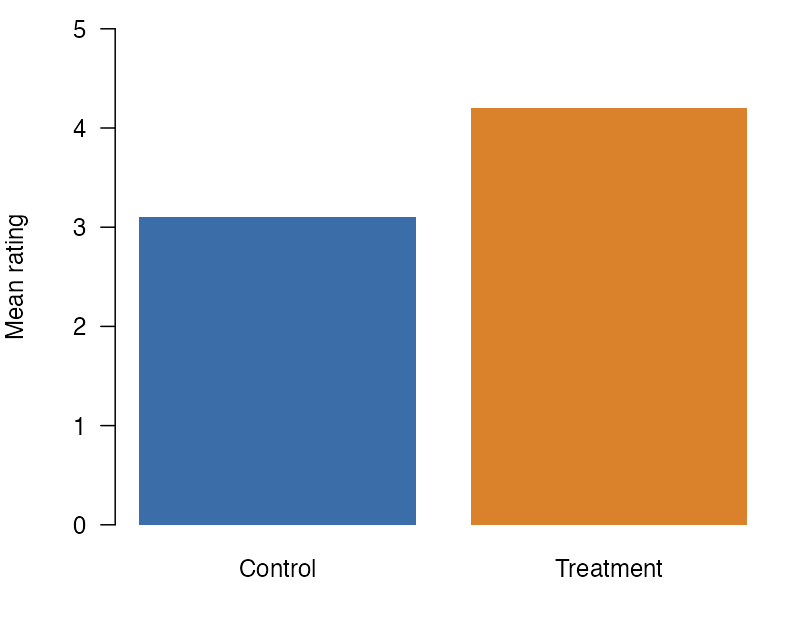
Figure 1 is 2.5 inches wide in each of the four formats. An absolute length does not change with the width of the text, so in a narrow text column the figure takes a larger share of the line. In HTML, a window at the breakpoint or narrower is the exception: there the figure takes the full width of the text column.
The gap between the figure and this text is 2em, twice the default of 1em. Word converts both values to its own units, and HTML, LaTeX, and Typst use them as written. A percent width, such as the default 40%, is a share of the text width instead. Use a percent when the same document renders to pages of different widths, and an absolute length when the figure must keep its size on every page. The last lines of this paragraph start at the left edge of the text again and run under the figure.
Next
A heading is not a paragraph, so wrapping stops before it.